How to Upload Your Ride Data
To share your Fliteboard session with DataSurfer, follow these four simple steps:
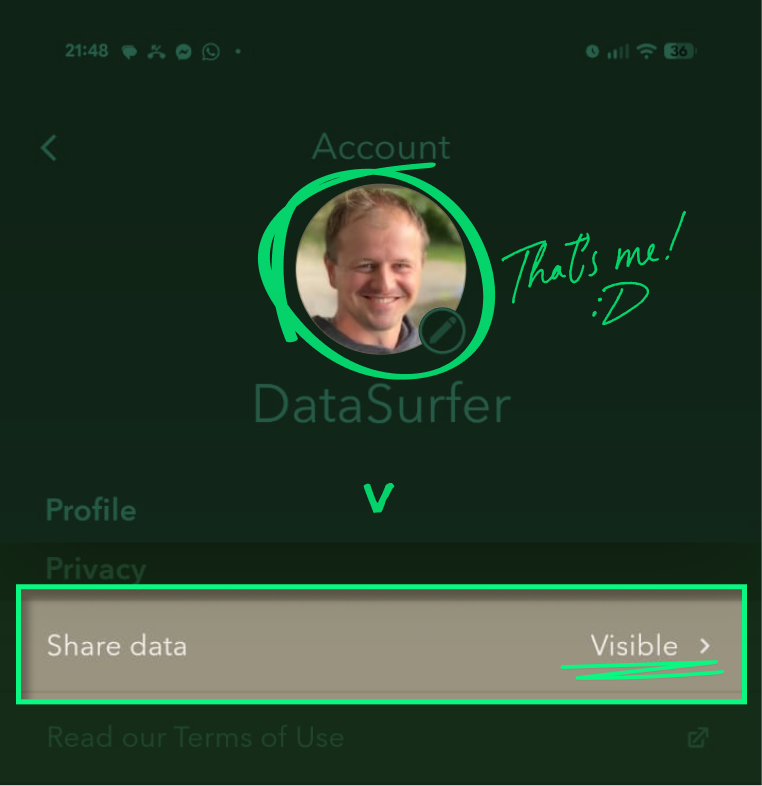
1. Enable Data Sharing
Go to your Fliteboard account settings and set share-data to visible.
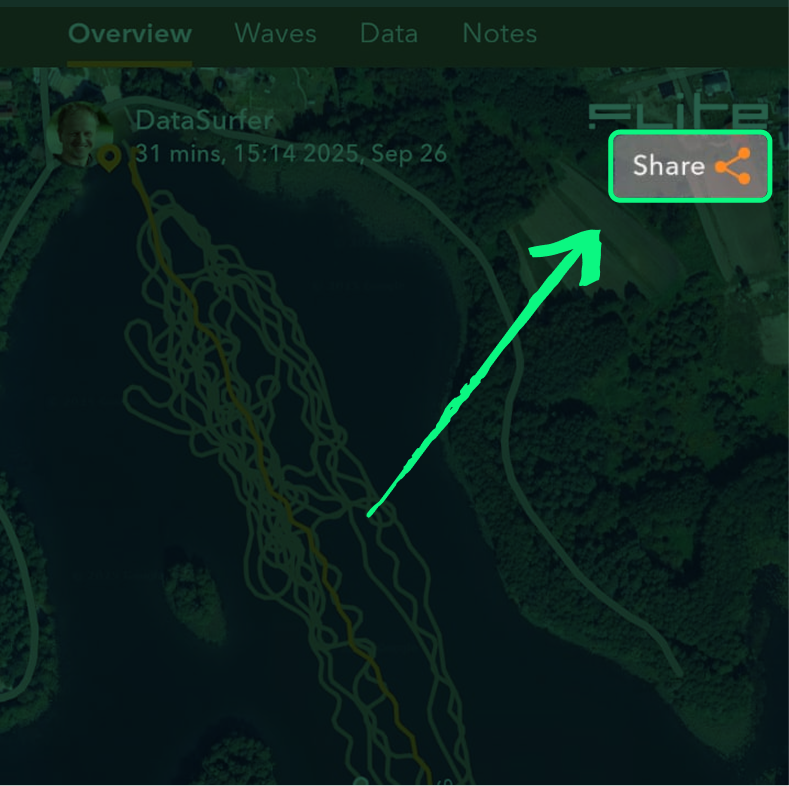
2. Select Your Ride
Choose the session you want to upload and click the Share button.
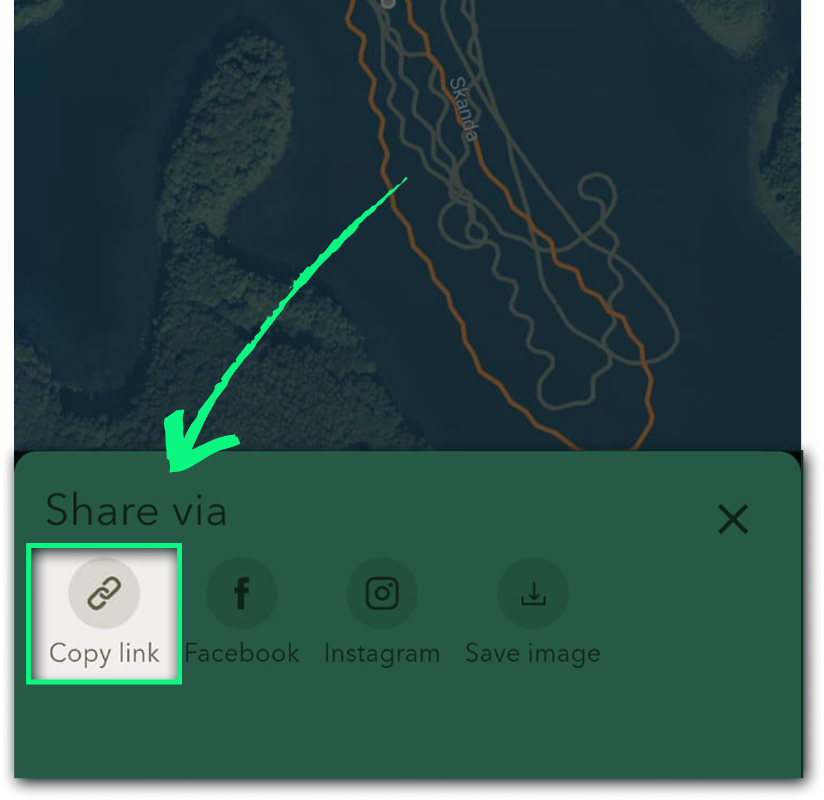
3. Copy the Link
After sharing, click Copy Link to copy the session URL to your clipboard.
4. Paste the Link on DataSurfer
Go to our homepage, paste the link into the upload field, and click Submit.

Please note: Your data will be processed and visualized within approximately from15 minutes to 3 hours. Thank you for your patience!
If you need help, visit the support page.